
Deployment
Your infrastructure. Your keys. Your record.
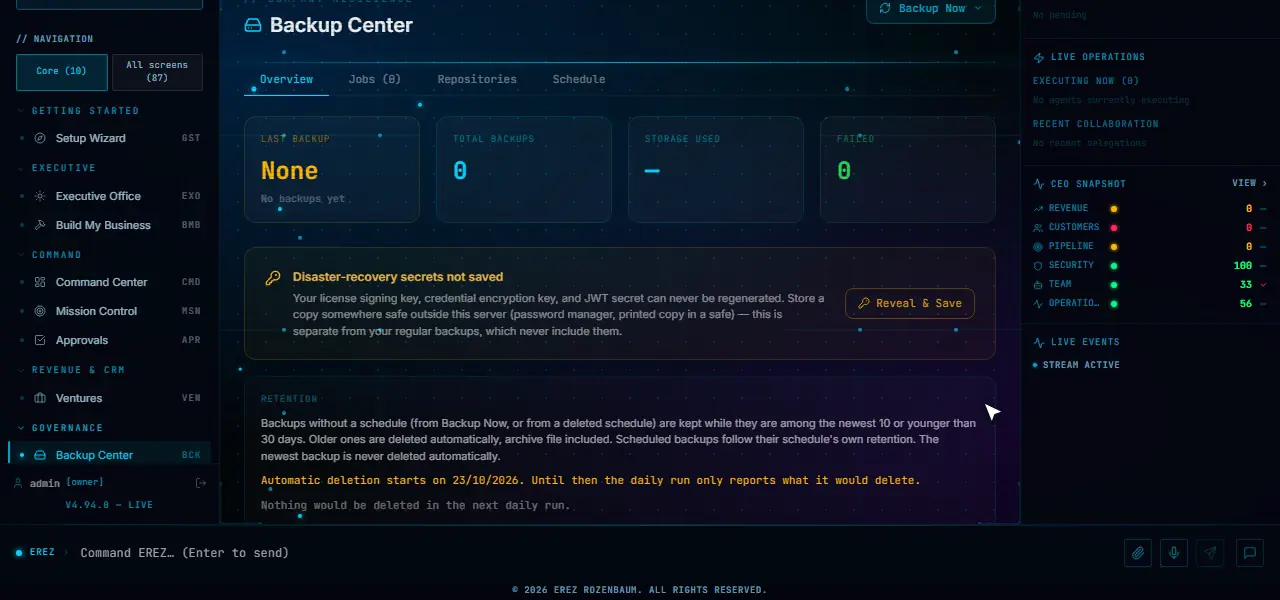
ErezAgent is packaged as a multi-container application, not a thin hosted chat client, and the installation lifecycle is part of the product: a guided installer, health and readiness checks, backups, upgrades and rollback.
Why self-hosted
Dedicated by default.
Data stays where you put it
The application and its primary data stores run on your servers or your cloud account, under your backup and security policies.
Your AI provider accounts
Use your own Anthropic, OpenAI, Google, xAI, DeepSeek or Mistral keys, or a local Ollama model. Usage is measured and attributed in the application.
One installation per client, if needed
Run a fully separate deployment per client, with no shared database or process, or one shared installation with tenants isolated at the row level.
Guided installer
Nine steps in a browser wizard.
Download the installer for your operating system and run it. A local wizard opens in your browser, checks Docker, collects identity and provider settings, generates secrets, launches the containers and checks their health. Installer downloads are published with a checksum file; shell and PowerShell paths are available for headless servers.
- Windows
- 10 and 11, Server 2019, 2022 and 2025
- macOS
- 13 or later, Apple Silicon or Intel
- Linux
- Ubuntu, Debian and RHEL
- 01DockerChecks that Docker is installed and running.
- 02ObsidianSets up the knowledge vault location.
- 03LicenseRecords a starting plan preference; the trial starts at first login.
- 04AI and ownerIdentity, domain, AI provider and keys, voice and backup destination.
- 05SecretsGenerated in the browser and never sent to any server.
- 06.envReview the assembled environment file.
- 07LaunchPulls the images and starts the stack.
- 08HealthChecks that the services came up healthy.
- 09FoundationSets up the Company Foundation.
Operate
Upgrades that can be undone.
- The upgrade script takes a pre-upgrade backup and stops if it cannot
- Environment-key parity checks add new settings with safe defaults and never change a value you set
- Pulled images are signature-verified when the release channel publishes its key
- Every core service must be healthy, or the upgrade rolls back automatically
- Rolling back to an earlier version can also roll back the schema, after showing what will be removed and taking a backup
- Data-retention cleanup refuses to run when the required recent backup is missing
| Profile | CPU | RAM | Disk |
|---|---|---|---|
| Minimum | 4 cores | 8 GB | 40 GB SSD |
| Recommended | 8 cores | 16 GB | 100 GB SSD |
| Large | 16 cores | 32 GB | 250 GB SSD |
Provider Control Plane
Providers see status. Customers keep control.
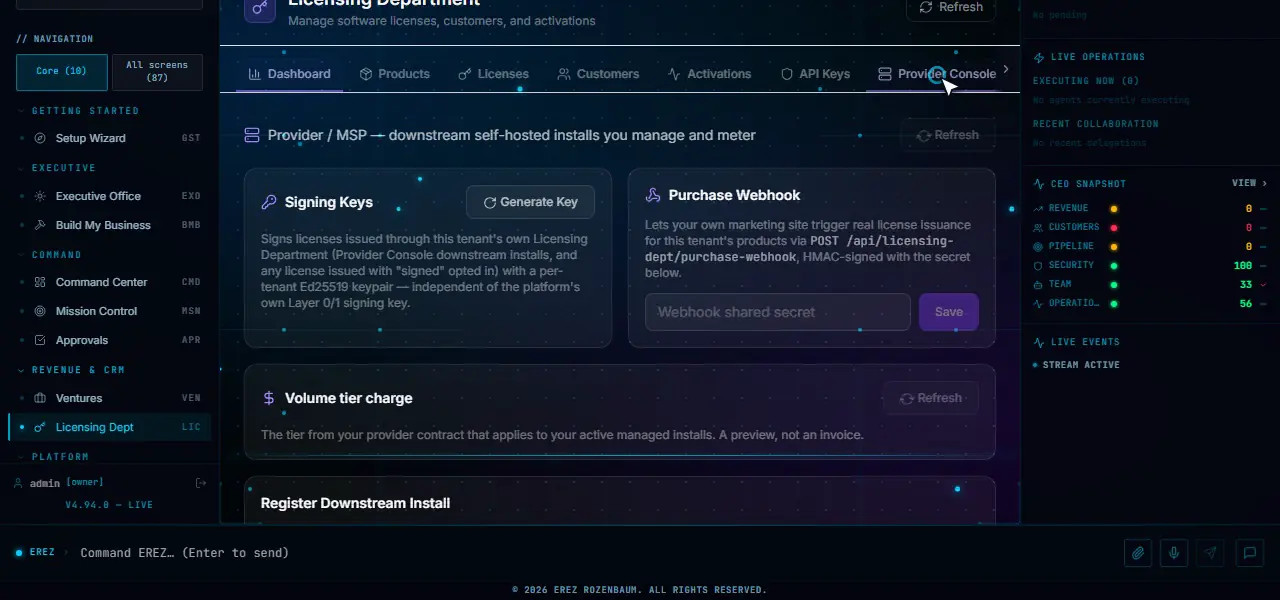
An optional, consent-based link lets a service provider see the operational state of installations it enrolled. The owner pastes a one-time enrolment string, sees the provider’s address and the exact lists below, and agrees. Nothing is sent before that, and the owner can pause, resume or disconnect at any time.
Shared, only after consent
- ErezAgent version and database migration head
- Workspace count and core-service status
- A count-level security summary
- AI and voice provider status, connector counts
- Readiness state and resource flags
- Licence and subscription state
Signed with Ed25519, about every fifteen minutes. The page shows the exact last report. If a later release widens this list, reporting pauses until the owner confirms again.
Never shared or possible
- Prompts and model responses
- Business data, documents and e-mail
- CRM data and names
- Credentials and keys
- Remote update, backup, shell or log collection
The customer applies updates locally. The provider can send plain-text notices, which the customer can answer or turn into a support case.
Questions
Deployment questions.
Where does my data live?
In your installation. The application and its primary data stores (PostgreSQL with pgvector, and Redis) run on infrastructure you control. Connected services such as a cloud AI provider, email service or payment gateway receive the data each integration needs.
Which operating systems does the installer support?
Windows 10 and 11 and Windows Server 2019, 2022 and 2025; macOS 13 or later on Apple Silicon or Intel; and Ubuntu, Debian and RHEL. A Docker engine is required.
Can I run ErezAgent without a cloud AI provider?
Ollama can be configured as a local model provider. Business Twin analysis can be set to local-only, in which case it runs on a private local model or fails rather than falling back to a cloud model. Output quality depends on the local model you run.
How are upgrades handled?
The upgrade script takes a backup first, checks disk space, pulls the new images, verifies image signatures when the release channel publishes a signing key, runs health checks and rolls back to the previous version if a core check fails.
What does a service provider see about my installation?
Nothing, unless you enrol it with a one-time string from that provider and agree to the listed items. Then a signed status report is sent about every fifteen minutes. You can pause or disconnect at any time, and the provider cannot control your server.
Is there an evaluation period?
Yes. A new installation starts a 30-day trial at first login. When it ends the application is locked until a licence is entered, and your data is kept.
Next step
Plan your installation with us.
Tell us where it should run and who will use it; we will walk through the installer, sizing and the first goal.
Paid evaluation and guided deployment: talk to us. See the plans.